Every day, we have users facing little challenges that threaten their patience. At InfoTrack, we are all about making these challenges, well, less challenging.
It’s usually those little things that no one really knows or mentions that becomes a “hack” in running your daily tasks on our website.
Below, we provide you with some “Aha” moments to make your work life a little bit easier.
We know your work will be that much better with these 5 InfoTrack features.
So, go on, and give them a try.
1. Property searching made simple
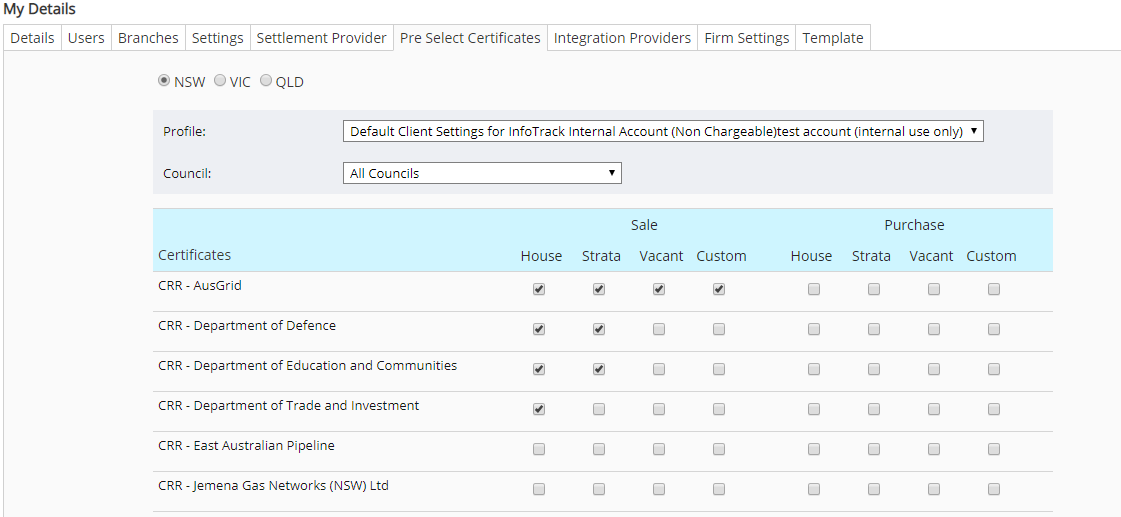
When you log in to InfoTrack for property searching, you can set up your default councils when conducting title searches. This cool tool allows you to streamline what to pre-select for each common council you are looking up in NSW, VIC and QLD.
By selecting your preferences for both a Sale or Purchase, you can easily select your options when conducting a title search.
Simply go to Settings -> select ‘Pre-Select Certificate’ tab -> select the profile and council you wish to default.
2. REVEAL workspace from PPSR, Titles or Company searches
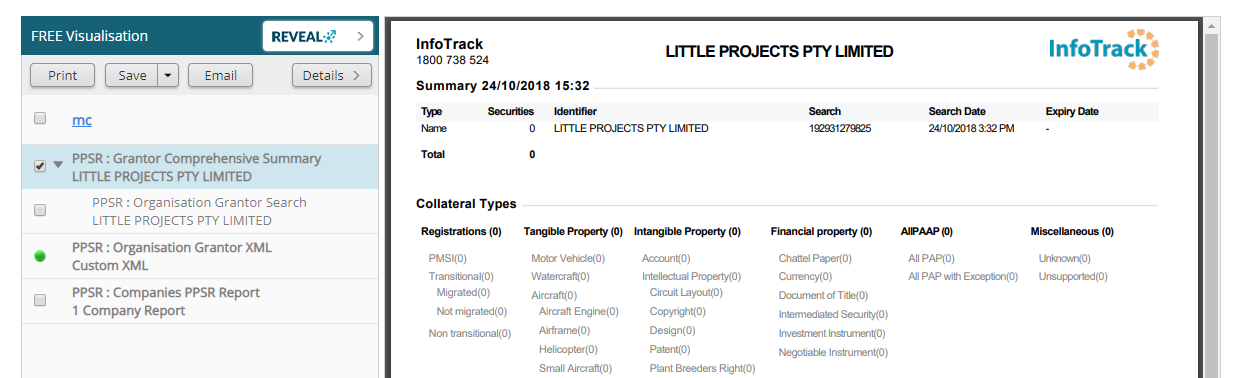
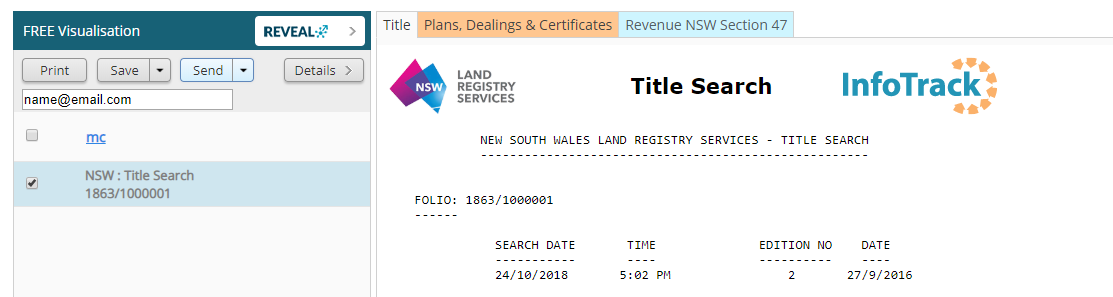
Perform a PPSR comprehensive summary search, any Titles search or a Company search from the InfoTrack website. When your results return, click on the REVEAL button to create a visual representation of the report.
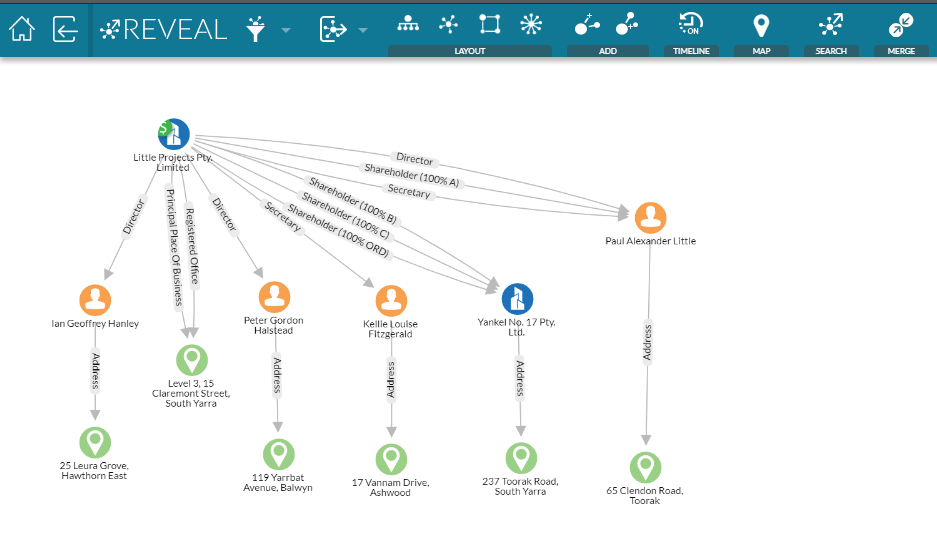
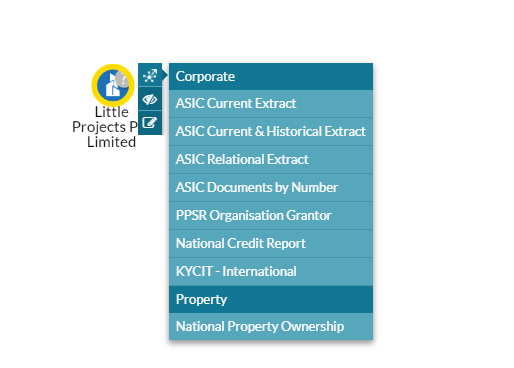
Why have this? You can easily run further searches on the entity, which you have reported on from PPSR. It’s simple and quick to get further information on the search.
3. Print, save and e-mail any result
After you have completed a search, you can save the files directly to your PC. You can also print any results directly to your connected printer, and if you need to e-mail the files to anyone, simply click on email, fill in the email details, and hit send. Quick and easy.
4. Regularly updated person locator
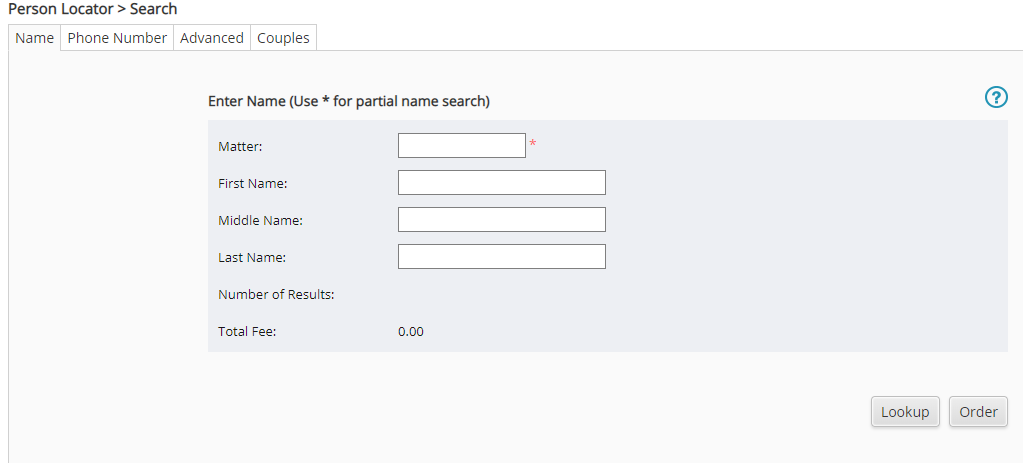
With over 130 million Australian records, our Person Locator provides fast results for searches of Australian residents, and the service has been specifically designed for the investigative, finance and tracing industries. The data is regularly updated and cross-indexed to help ensure you get the most up to date and accurate results.
Data sources include:
- Proprietary legacy data that includes name, address, phone, for over 80 million historical records
- Phone records from various commercial sources
- People information (Australian Bureau of Statistics data)
- Addresses (Australia Post licensed sources)
- Monthly transaction consumer data updates
- Year of Birth for residents of VIC, NSW & QLD
- Historic Name and address data going back to 1993
- Courts data – Bankruptcy / Judgments
- Survey data
- Property data, over 350,000 For Sale/Rent properties
5. Click anywhere on the line to select a certificate – not just the tick box
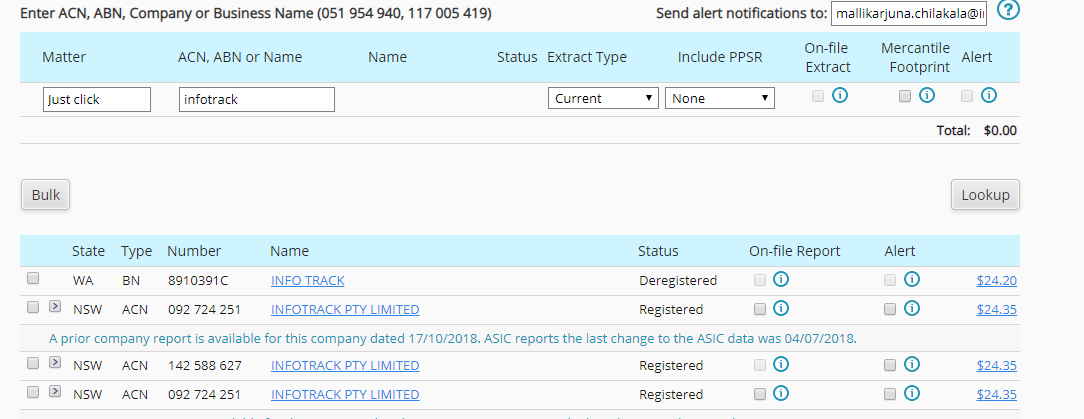
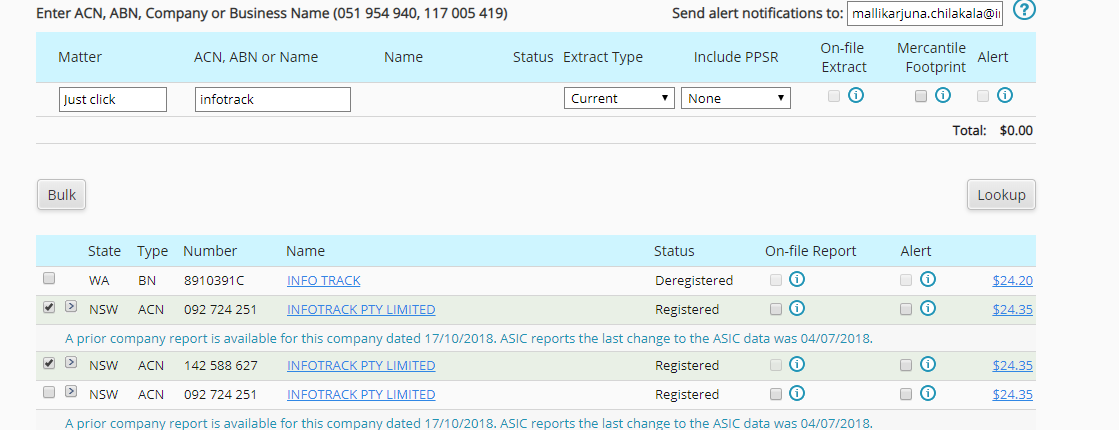
You no longer need to tick the actual tick box to select an entity from a lookup result. We’ve made it so much easier by allowing you to just click anywhere on the line to make your certificate selections.
Lookup results with no selection.
Clicking each line to make a selection.
Try out one of our services and give these features a try by creating an account with us.
If you’re already a client then we hope that this blog helped make your work a little bit easier. Subscribe to our newsletter to make sure that you’re up to date with our blogs.